Stats & HQ
Track your dry fire progress — stats, streaks, and records
Every session is recorded automatically: reaction-time trends, per-drill personal records, day streaks, and shot-by-shot breakdowns that show exactly where you’re improving.
Dry-fire practice only compounds when you can see it working. The HQ tab greets you with your day streak, a training calendar with a dot for every day you’ve trained, weekly volume, and average reaction time — plus your favorite drills and a Drill of the Day, everything you need to start today’s session in one tap.
The Stats tab goes deeper: reaction-time trends across every session, personal records per drill (best, average, last practiced), and a shot-by-shot breakdown of any past session. Missed shots are tracked separately, so they never skew your averages.
- Day streaks
- Training calendar
- Reminders
- Reaction-time trends
- Personal records
- Session history
What you get with Stats & HQ
HQ dashboard
Day streak, sessions this week, and average reaction time at a glance — plus quick access to favorites and recent sessions.
Training calendar
A dot for every day you’ve trained — deeper red, more drills. Swipe through past weeks, open the month view, and tap any day to revisit its sessions.
Training reminders
Pick your training days and get a nudge to keep the streak alive — local notifications, nothing leaves your phone.
Reaction-time trends
Watch your average reaction time drop across weeks of training on a single chart.
Personal records
Best time, average, and last-practiced date for every drill you run.
Shot-by-shot breakdown
Open any past session and inspect every individual shot and split.
Honest averages
Missed shots are tracked separately so a bad rep doesn’t poison your trend line.
Session summary
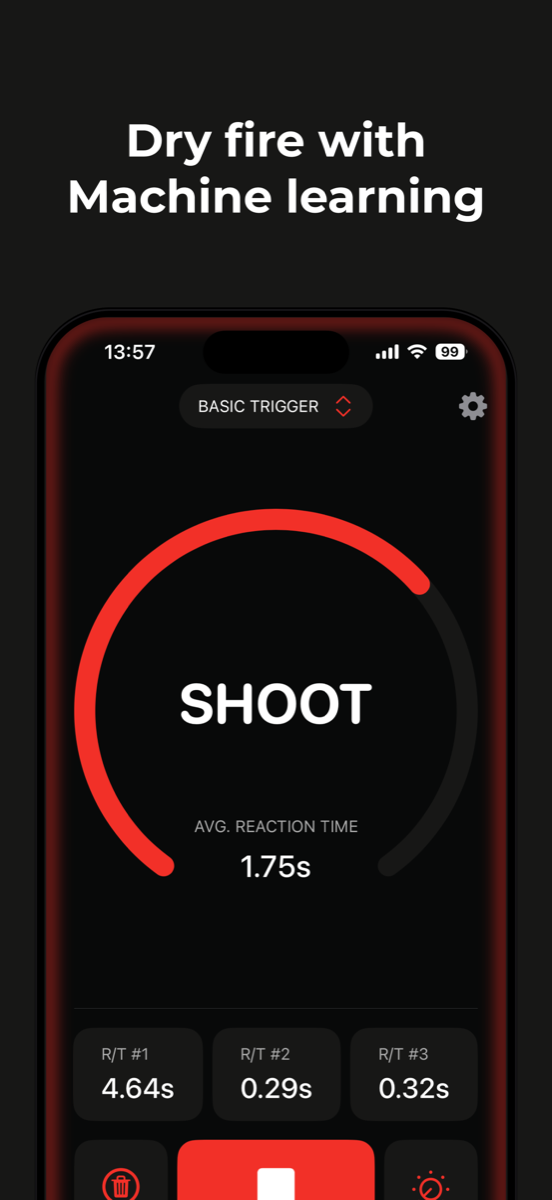
See your results the moment a drill ends — times, splits, and how they compare.
Private by design
No accounts, no logins, no trackers. Trigger detection runs entirely on your device — audio is processed locally and never uploaded. Your training history stays on your phone, and everything works offline.
Frequently asked questions
What does Dry Fire Pro track?
Every completed session is stored with its reaction times and splits. You get day streaks, weekly volume, per-drill records (best, average, last practiced), long-term reaction-time trends, and shot-by-shot breakdowns of past sessions.
Can it remind me to train?
Yes. Pick your training days and a time, and Dry Fire Pro sends a local reminder on those days. Reminders are scheduled on your device — no account, no push servers.
Do I need an account to keep my history?
No. All stats are stored on your device. There are no logins and nothing is uploaded.
How are missed shots handled?
Missed shots are recorded separately from your reaction-time averages, so they’re visible in your history without distorting your progress trends.